
To save and share cricket match records online, score the match in a cricket app instead of on paper. On CricFight, every match is saved automatically to your account with a full scorecard and stats, and you can share that scorecard as an image or link in a couple of taps — so the record is permanent, and sending it to your team or posting it online takes seconds. Paper scorebooks and someone's memory lose more cricket history than rain ever has. Here's how to keep yours.
Why paper and memory keep failing you
A great innings scored on a scrap of paper is gone the moment the paper is. Notes-app scorecards get overwritten; group-chat updates scroll away; and “I think I got about 40” is not a record. If you want your cricket to actually count — for stats, for bragging rights, for a player profile — the record has to be saved somewhere permanent and easy to share. That's exactly what scoring online solves.
How to save cricket match records online
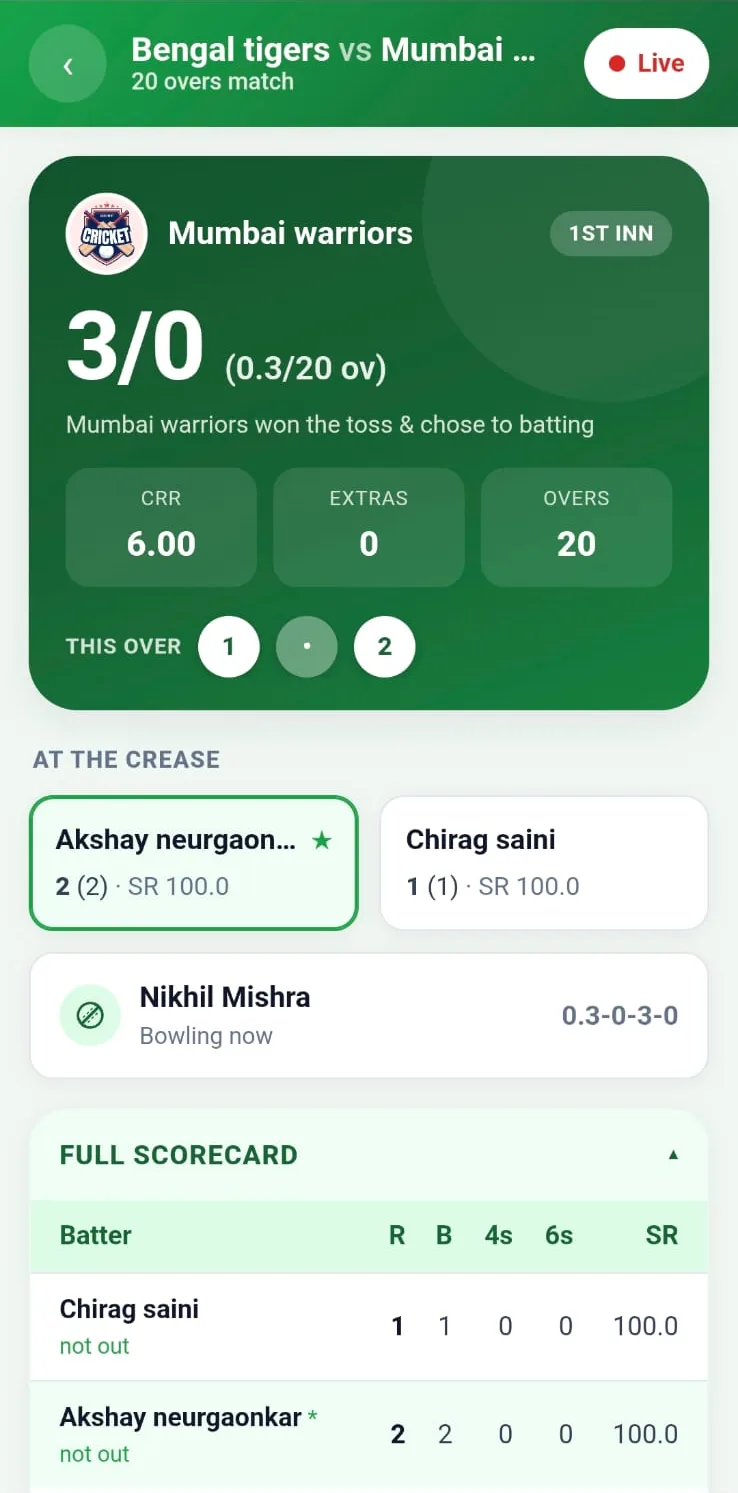
The reliable way is to score the match digitally so it's stored as you go:
- Score the match in the app — ball by ball, so the scorecard builds itself.
- It saves automatically to your account — no “export” step to forget.
- Stats roll up into your player and team records, so every match adds to a permanent history.
- Open it any time — past matches, scorecards, and stats stay in one place.
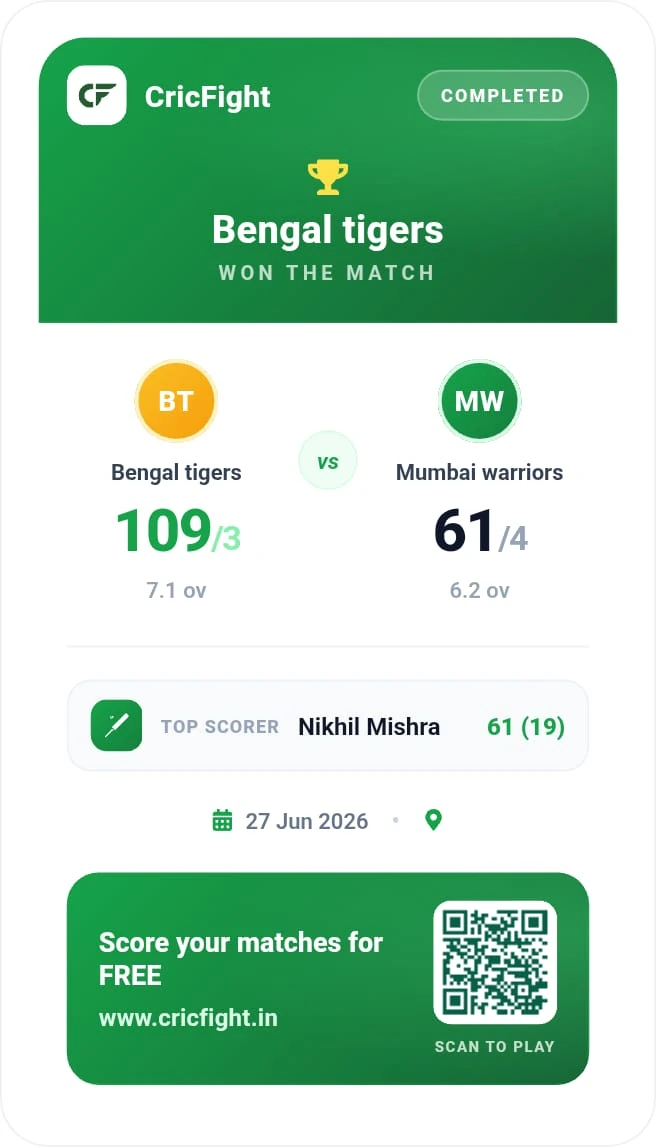
Share a clean scorecard in a couple of taps. Once a match is scored on CricFight, share the card as an image or link straight to WhatsApp, Instagram, or your team group. A local game looks professional, and everyone gets the result without you retyping it.
How to share a cricket scorecard
Sharing should be one action, not a screenshot-and-crop project. On CricFight the finished scorecard is built to be shared — as an image for social media and chats, or as a link so anyone can open the full card. That means the record doesn't just sit in your account; it travels, which is half the fun of a good performance.
Every match feeds your bigger record. Saved matches build player statistics and feed leaderboards, so one shared scorecard is also a data point in a career you can actually show people.
Paper vs. saving records online
| Task | Paper / notes app | Online (CricFight) |
|---|---|---|
| Saving the record | Easily lost | Automatic, permanent |
| Sharing it | Photo of a page | Scorecard image or link |
| Player & team stats | Manual, if ever | Built automatically |
| Finding an old match | Good luck | In your account |
| Cost | Free | Free, no ads |
👉 Save and share your matches free on CricFight — score once, keep it forever, and share the card in seconds.
The bottom line
The trick to never losing a match record again is to stop treating scoring and saving as two jobs. Score online and the record saves itself, your stats build automatically, and sharing a professional scorecard is a couple of taps. That's how a weekend game becomes a permanent, shareable part of your cricket story.
Frequently asked questions
How do I save and share cricket match records online?
Score the match in a cricket app instead of on paper. On CricFight, every match you score is saved automatically to your account with a full scorecard and stats, and you can share the scorecard online — as a link or image — in a couple of taps, so the record is safe and easy to send.
Where are my cricket match records stored?
In a scoring app they're stored in your account, not on a scrap of paper that gets lost. On CricFight your matches, scorecards, and player and team stats are saved online automatically as you score, building a permanent history you can open any time.
Can I share a cricket scorecard on WhatsApp or social media?
Yes. CricFight lets you share a match scorecard as an image or link, so you can post it straight to WhatsApp, Instagram, or a team group. The card is clean and professional, so a local game looks the part when you share it.
How do I keep a permanent record of my cricket matches?
Use an app that saves each match automatically. Because CricFight stores every scored match and rolls the numbers into player and team stats and leaderboards, you build a lasting record of results and performances rather than relying on memory.
Is it free to save and share cricket match records?
Yes. On CricFight, saving your matches, keeping your stats, and sharing scorecards online are all free, with no ads and no real-money paywall.