
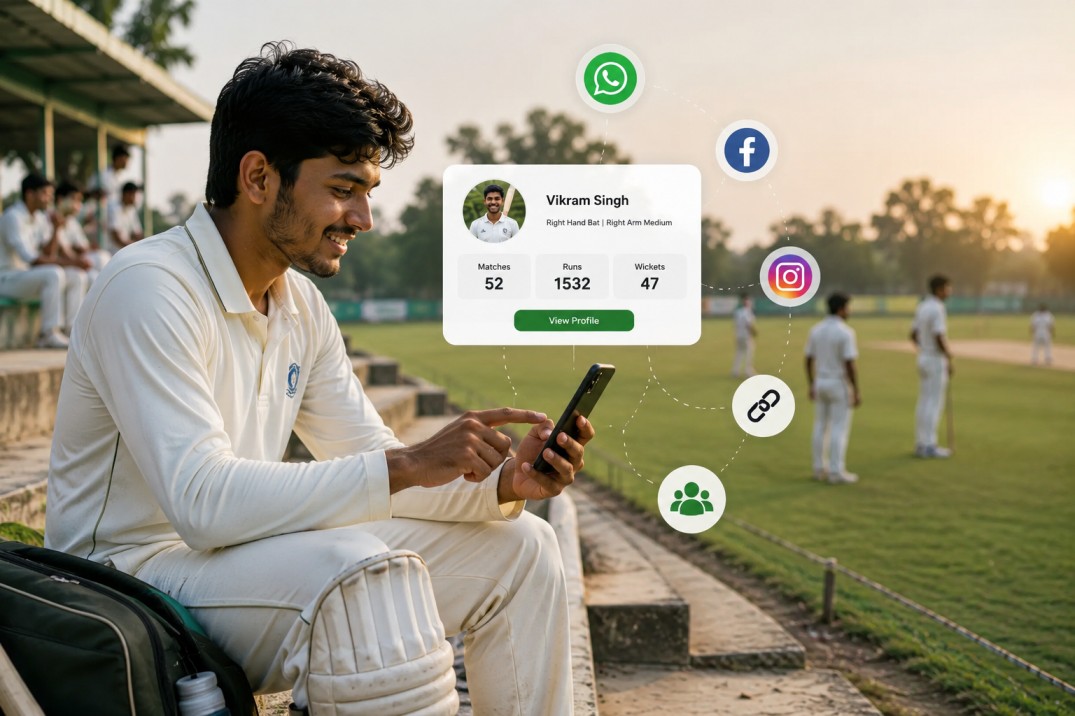
A shareable player profile starts with live scoring, not after-the-fact spreadsheets. CricFight turns one weekend match into a clean profile with runs, wickets, and career tracking across matches, so a club player can show real form instead of arguing over memory. Start scoring your next match.
What is the fastest way to track player statistics in cricket?
The fastest way is live scoring with automatic player stats profiles. When batting and bowling performance metrics are captured ball by ball, you do not need to rebuild the match later from scraps of memory, WhatsApp messages, or a messy notebook.
That matters because cricket performance analysis depends on collecting and interpreting player data, fitness, and tactical decisions through tracking systems and video tools (Catapult). For grassroots cricket, you do not need a lab setup; you need a tool that works during the match and turns every innings into something usable afterward.
CricFight is built for that exact job. It gives you easy match scoring, professional scorecards, and personal player profiles, so the same scoring session that records the game also builds a profile you can actually share. If you want the simplest route from scorekeeping to recognition, start scoring your next match and let the profile build itself.
What problem does a club player face when stats are tracked manually?
Manual tracking usually breaks at the exact moment recognition starts to matter. Match-by-match scorecards get scattered, totals are entered late, and career tracking across matches becomes a guessing game when one scorer forgets a wicket or a run-out detail.
For a club player, that means no clean proof of form. You may know you batted well over three weekends, but if the records are incomplete, the captain sees noise instead of evidence. That is where selection conversations get messy: the player feels overlooked, the scorer feels blamed, and the team ends up debating numbers instead of cricket.
A paper template can help in a pinch, but it still leaves you doing the admin twice: once at the ground and again when you try to make sense of it later. If your goal is recognition, manual records are too fragile to carry it.
How does CricFight turn one match into a shareable player profile?
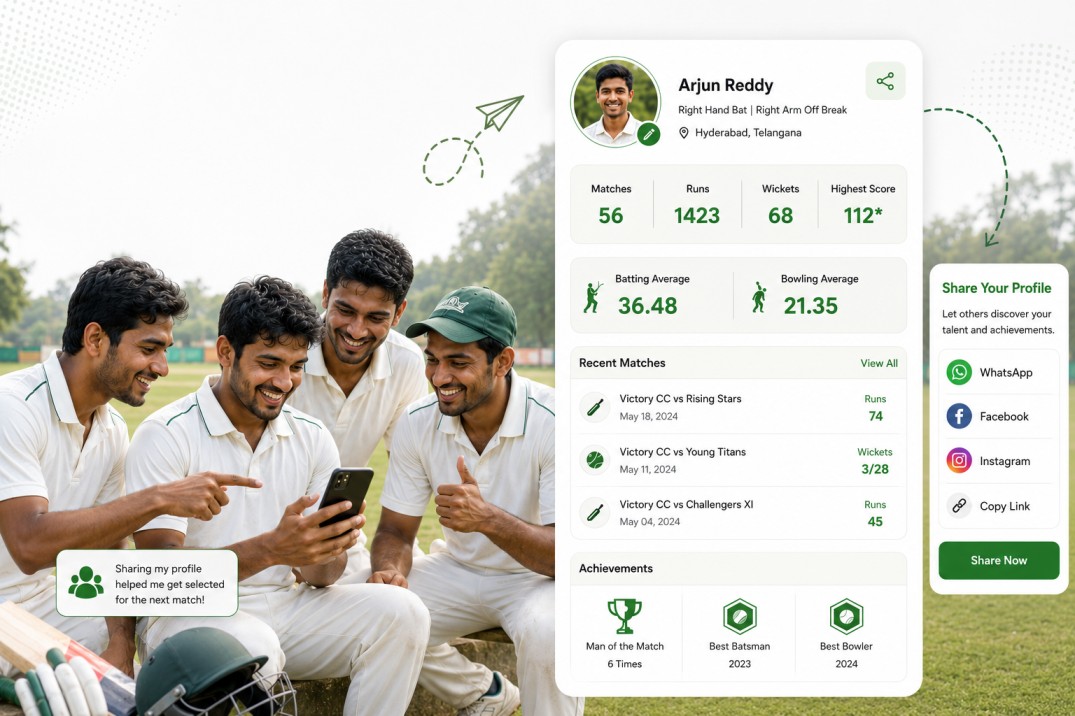
Here is the clean workflow.
- Score the match live. Use Easy Match Scoring with Umpires & Scorers so the innings is captured as it happens, not reconstructed later.
- Let the profile update automatically. As the game is scored, Personal Player Profiles and In-Depth Player Stats build the record for that player.
- Check the recent form. The profile shows batting and bowling performance metrics, plus the match-by-match scorecards that back them up.
- Share the proof. Send the shareable profile link to a captain, teammate, or organizer after the game.
That is the difference between “I had a good day” and “here is the record.” A club player can score a weekend match in CricFight, then share the automatically updated profile link showing runs, wickets, and recent form with a captain after the game. The app also keeps the scorecard looking professional, which matters when you want the record to feel credible at a glance.
The same setup works for tournaments too. Free Tournament Management and Free squad management keep the wider team context in the same place, so the player profile is not floating alone without match history. If you want that workflow in one place, use CricFight to score and share live.
How do coaches and captains use player stats to improve selection and performance?
Captains and coaches use player stats to make selection feel fair and performance feedback feel specific. Instead of relying on one loud innings or a bad over, they can look at career tracking across matches and see who is actually contributing over time.
That is especially useful at club level, where memory is short and opinions are loud. A player stats profile gives the captain a cleaner view of batting and bowling performance metrics, while the player gets something better than praise: a record that shows consistency, role fit, and recent form.
The broader analytics world uses batting, bowling, and fielding indicators to support decisions, and performance analysis often combines tracking systems, video, and other data sources (Catapult). Grassroots teams do not need that complexity to get value. They need a simple record that reduces disputes and makes selection conversations less personal.
CricFight fits that use case because it keeps the score, the stats, and the profile together. That makes it easier for a captain to back a player with evidence, not just instinct. It also helps the player walk into the next game with visible form instead of hoping someone remembers the last good knock.
What results can a player expect after sharing a live-updated profile?
A live-updated profile should do three things: make your form visible, make your record easier to trust, and make it simpler for others to talk about your cricket.
- You look organised. A professional-looking scorecard and clean profile make your performances easier to read.
- You get remembered. Recent runs, wickets, and match-by-match scorecards give captains something concrete to revisit.
- You reduce disputes. When the record is already there, there is less arguing about overs, wickets, and points.
- You save time. The profile updates from live scoring instead of forcing you to rebuild stats later.
- You create momentum. One good match becomes part of a longer trail, not a one-off story.
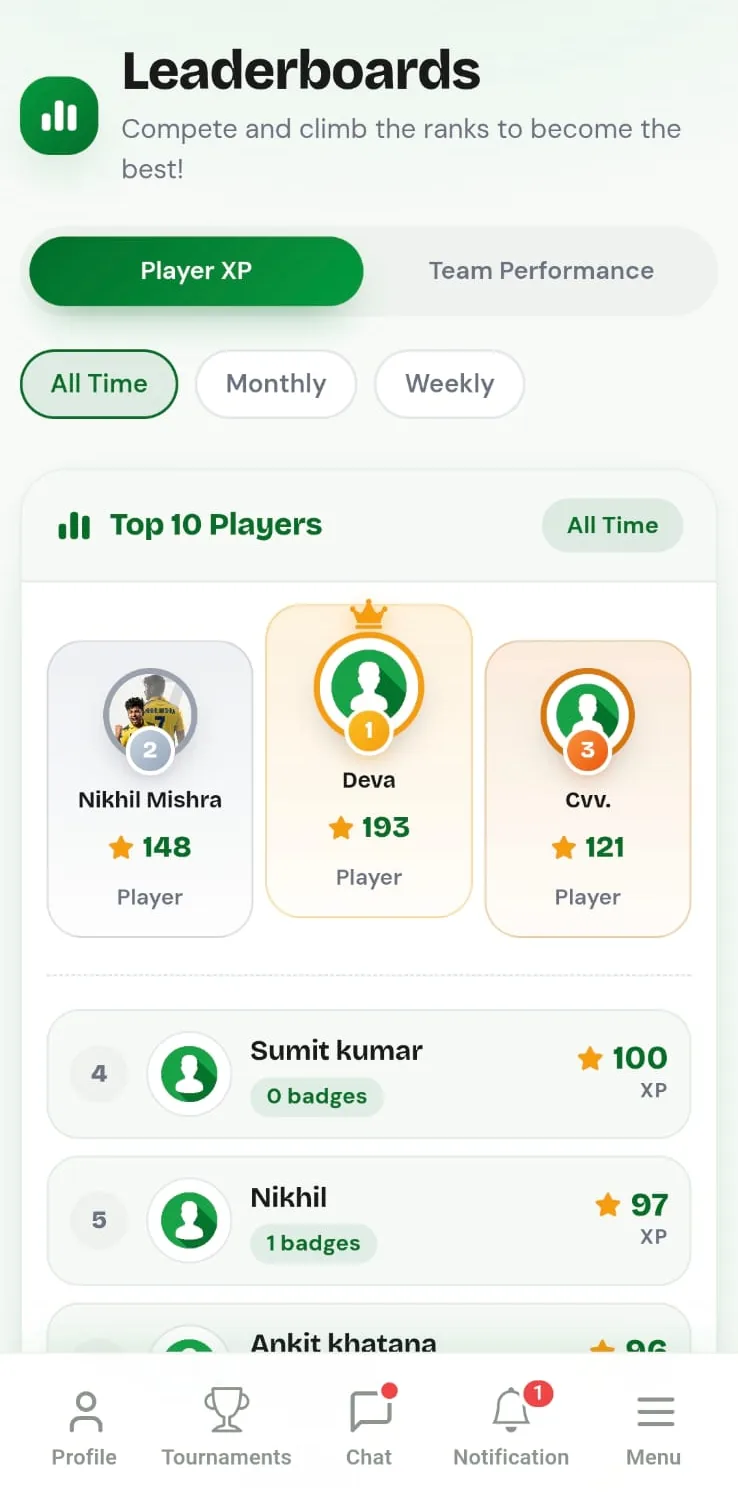
That is the real payoff: recognition with proof. CricFight’s USP is that it gives you free forever, ad-free live scoring that automatically builds professional-looking player stats profiles and career tracking across matches. For a grassroots player, that means your cricket starts working for you after the final ball, not just during it.
If you want the same result from your next weekend game, start with CricFight here and share the profile while the innings is still fresh.
Frequently Asked Questions
How are cricket stats tracked?
Cricket stats are tracked by recording runs, wickets, overs, and other match events ball by ball, then rolling them into scorecards and player records. CricFight handles this through live scoring, so the stats are captured as the match happens instead of being rebuilt later.
How to track player statistics in cricket india
The simplest way is to use a mobile scoring tool that records each match live and keeps a running player history. For Indian club and tournament cricket, that avoids messy notebooks and gives you a clean trail of form across matches.
What types of cricket records are available?
Common records include batting, bowling, and fielding numbers, plus match-by-match scorecards and season totals. CricFight also keeps personal player profiles and in-depth player stats so the record is easier to share.
What formats are available for exporting player stats?
Export options depend on the scoring platform, but the most useful formats are shareable links and readable scorecards. CricFight focuses on a shareable profile link and professional scorecards, which is usually what players and captains need most.
If you want your cricket to be noticed, stop relying on memory and start building a record that travels with you. CricFight gives grassroots players live scoring, professional scorecards, and shareable player profiles that make good form easy to prove. Start scoring your next match and turn the next weekend game into a profile worth sharing.