
The efficient way to organise community cricket matches is to do everything in one app instead of across scattered group chats. On CricFight you find and connect with local players, build teams, challenge a rival side with a set date, time, and venue, and score the match live — turning days of back-and-forth into a few taps. Community cricket rarely fails for lack of enthusiasm. It fails on coordination. Here's how to fix that.
Why organising community cricket is such a headache
The pattern is familiar: one chat to find players, another to agree an opponent, a third to argue about the ground and the time, and a scramble on the morning itself when two people drop out. Nothing is in one place, so every game is organised from scratch. The fix isn't more effort — it's putting players, fixtures, and scoring in a single system so the coordination stops leaking.
Organise a community match in four steps
1. Find and connect with your players
Start with people. Use local discovery to find cricketers near you, connect with them, and build a pool you can draw on — so a game never collapses because you're two short.
2. Build your team
Turn those connections into a proper team with an identity and a record. Now you're not organising a random group each week — you're running a side.
3. Schedule the fixture
Find a rival team and send a challenge with a set date, time, and venue. Both teams see the scheduled match, so there's no “wait, where are we playing?” on the morning of the game.
4. Score it and keep the record
Play, and score the match live. The result feeds both teams' stats and leaderboards and saves a shareable record, so the community has something to show for the day.
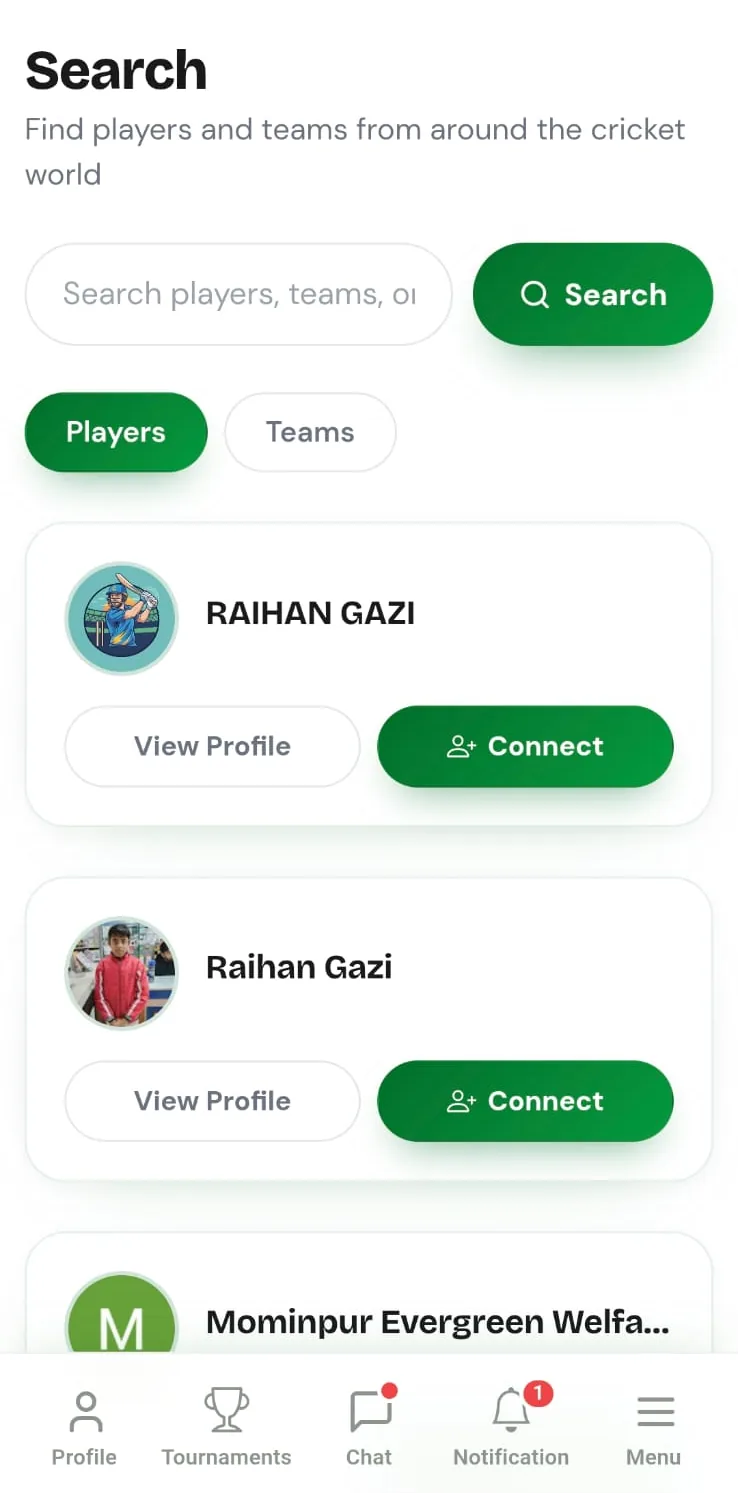
One tap replaces three group chats. Instead of chasing an opponent across WhatsApp, find a nearby team and send a scheduled challenge — date, time, and venue set — and let them accept. The fixture is locked without a single forwarded message.
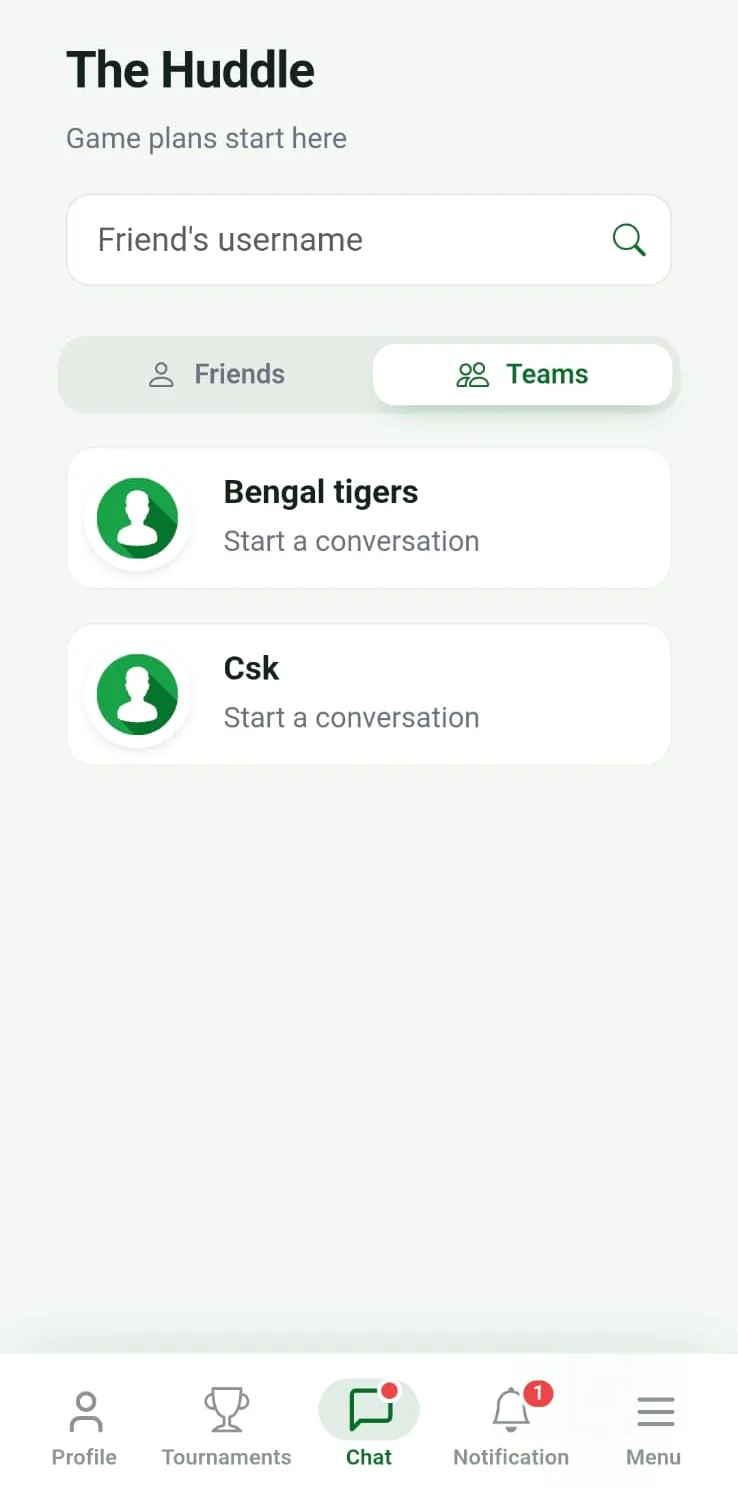
Keep the community together between games. Free team and direct chat keeps availability and plans with the people they concern, so momentum carries from one match to the next instead of resetting every week.
Scattered chats vs. one app
| Organising job | Group chats | CricFight |
|---|---|---|
| Finding players | Ask around | Local discovery |
| Building a team | Informal, forgotten | Permanent squad |
| Agreeing a fixture | Endless back-and-forth | Scheduled challenge |
| Knowing when & where | Buried in messages | Set date, time, venue |
| Scoring & records | Separate or lost | Live, saved automatically |
| Cost | Free | Free, no ads |
👉 Organise your community cricket free on CricFight — find players, schedule a game, and score it, all in one place.
The bottom line
Efficient community cricket isn't about working harder at the group chats — it's about not needing them. When finding players, building teams, scheduling fixtures, and scoring all live in one place, organising a game stops being a chore and the community keeps playing. That's what CricFight is built for, and it's free. If you're starting out, our guide to the free cricket community app is a good next read.
Frequently asked questions
How do I organise community cricket matches efficiently?
Do it all in one app instead of across scattered group chats. On CricFight you find and connect with local players, build teams, challenge a rival side with a set date, time, and venue, and score the match live — so organising a community game takes a few taps instead of days of back-and-forth.
What's the easiest way to organise a local cricket match?
Find your players, agree an opponent, and lock the fixture in one place. CricFight lets you connect with nearby players, form a team, and send a scheduled challenge to another team, which removes the messy coordination that usually delays a game.
How do I get enough players for a community cricket match?
Use an app with local player discovery. On CricFight you can find and connect with cricketers near you and pull them into a team, so you're not stuck cancelling because two regulars dropped out.
Can I organise regular community cricket in one place?
Yes. With players, team chat, scheduled fixtures, live scoring, stats, and leaderboards all in CricFight, a community can keep organising games week after week without anything falling through the cracks between matches.
Is there a free way to organise community cricket matches?
Yes. CricFight is free for organising community cricket — finding players, building teams, scheduling challenges, chatting, and scoring all cost nothing, with no ads and no real-money paywall.