
Ask any captain what actually eats their week and it's rarely the cricket — it's the coordination. Who's available? What time? Who's bringing the ball? All of it lives in a general-purpose group chat buried under memes, forwards, and three unrelated conversations. CricFight gives your squad its own chat, attached to the team and the match, so plans stay findable and nobody misses a game because a message scrolled away.
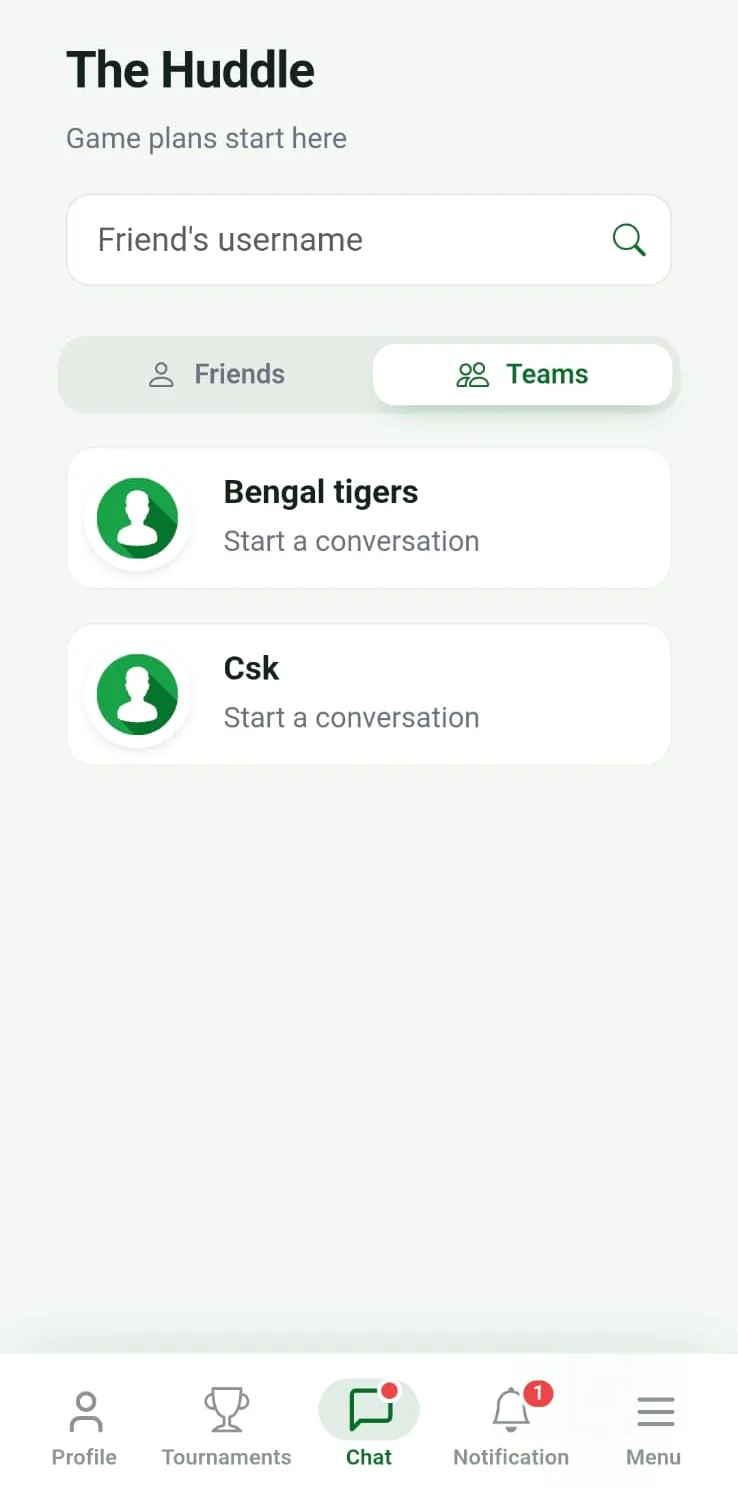
Team chat vs. a generic group chat
A normal messaging group has no idea it's about cricket. It doesn't know who's in your team, which match you're planning, or what happened last week. CricFight's team chat does, because it sits right next to your squad, your fixtures, and your stats. When you're talking about Sunday's game, Sunday's game is right there — you're not switching between four apps to line up one match. That context is the whole point: coordination is easier when the conversation and the cricket live in the same place.
Two kinds of chat, both free
CricFight gives you two ways to talk, and both cost nothing:
- Team chat — a group space for your whole squad to sort availability, confirm the XI, and share ground details.
- Direct chat — one-to-one messaging with any player, so you can quietly ask a mate to fill in, or talk to a rival captain about a fixture, without spamming everyone.
Offering both free is rare — most cricket apps make you pay for messaging, or skip it and push you back to WhatsApp. Keeping it in-app matters because the chat is connected to the people and matches it's actually about.
How team chat fits the match workflow
Chat isn't a bolt-on; it's the connective tissue between every other part of the app. A typical week looks like this:
- Find your people. Connect with players and build your squad — start with how to find a cricket team if you're assembling one.
- Line up the game. Use direct chat to reach a rival captain, then challenge their team to a match.
- Sort the details in team chat. Availability, time, ground, kit — all in the squad space where everyone can see it.
- Play and score live. Run the match with live ball-by-ball scoring, and let teammates who couldn't make it follow along and react.
👉 Get your squad on CricFight free — team chat, direct messages, and everything else, with no ads.
A design that respects match-day chaos
The reason we built chat into the platform rather than punting to another app is simple: on match day, attention is scarce. Captains are juggling toss, batting order, and a missing wicketkeeper. Every extra tab you have to open, every “wait, which group was that in?” is friction at the worst possible moment. Keeping the conversation next to the team, the fixture, and the live scorecard means one less place to look — and one less reason for a plan to fall apart at 9 a.m. on a Sunday.
More than chat: a whole community
Chat is one thread in a bigger fabric. The same platform lets your friends follow live matches and react with emojis in real time, builds permanent player and team stats, and runs leaderboards that give every game something to play for. It's all part of being a social cricket community, not just a scoring tool.
Frequently asked questions
Does CricFight have a team chat?
Yes. Every team gets a group chat for coordinating matches, plus one-to-one direct chat with any player — both completely free.
Is the chat free, or is it a paid feature?
Both team chat and direct messaging are free, with no ads. Offering both free is something most cricket apps don't do.
Why use in-app chat instead of WhatsApp?
Because it's connected to your squad, fixtures, and stats. Match plans stay with the match instead of getting lost under unrelated messages in a general group.
Can I message a player from another team?
Yes. Direct chat lets you message any player one-to-one — handy for arranging fixtures with a rival captain or asking someone to fill in.