
To organise a cricket tournament: pick a format, confirm your teams, generate the fixtures, agree the rules, score every match live, and keep the points table and net run rate updated. The whole thing is free on CricFight — it generates fixtures and updates the standings automatically, so you never touch a spreadsheet. Here's the full step-by-step.
Step 1: Choose your tournament format
The format decides everything else, so start here. Your choice depends on how many teams you have and how many days you can play:
- Knockout — fast and dramatic; ideal for one day and many teams. Lose once and you're out.
- Round-robin league — the fairest; every team plays every other. Best for 4–8 teams over a season.
- Group stage + playoffs — the best all-round choice for 8–16 teams over a weekend or two.
If you're unsure, our guide to cricket tournament formats breaks down each one and when to use it.
Step 2: Confirm teams and generate fixtures
Lock in your teams, then generate the fixtures. Doing this by hand is where most local tournaments start to wobble — a missed pairing or a double-booked team throws the whole schedule. Let the app build the draw for you instead.
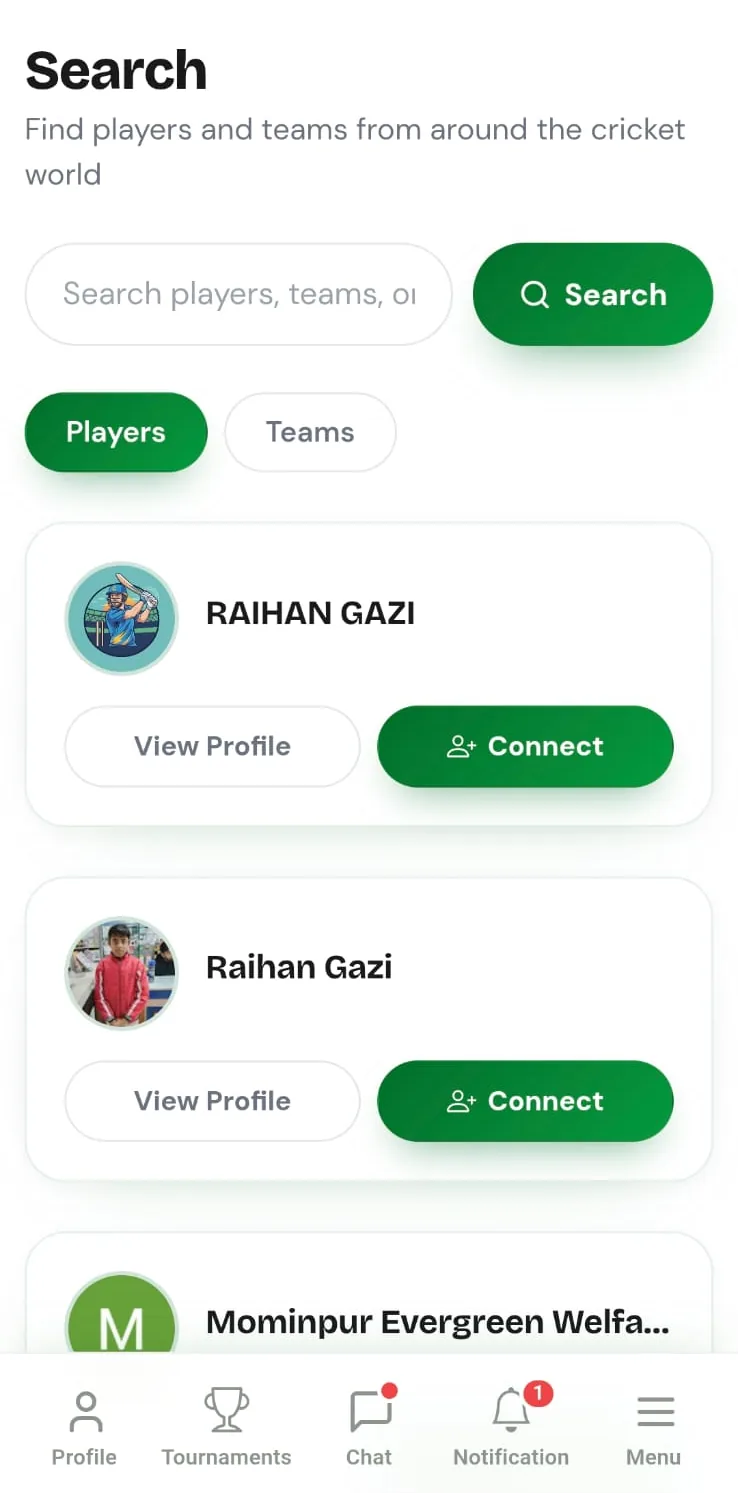
Need teams to fill the draw? Use local cricket discovery to find teams near you, and let captains challenge in so your bracket fills up with real, confirmed sides rather than maybes.
Step 3: Agree the rules before the first ball
Settle the details everyone will argue about later, up front: overs per side, powerplay or fielding restrictions if any, how ties are broken (usually net run rate, then head-to-head), and what happens if rain interrupts a match. Writing these down once saves a dozen disputes across the tournament.
Step 4: Score every match live
This is the part that keeps the tournament honest. When each game is scored live, ball by ball, the results flow straight into the standings with no manual entry and no “what was the final score again?” the next morning. It also gives every team a professional scorecard and updates player stats automatically.
The points table updates itself. Points for wins and net run rate for tiebreaks are computed automatically from the live scores, so the standings are always correct and every captain can see the same table in real time. Accurate, tamper-resistant standings are what make a tournament worth winning.
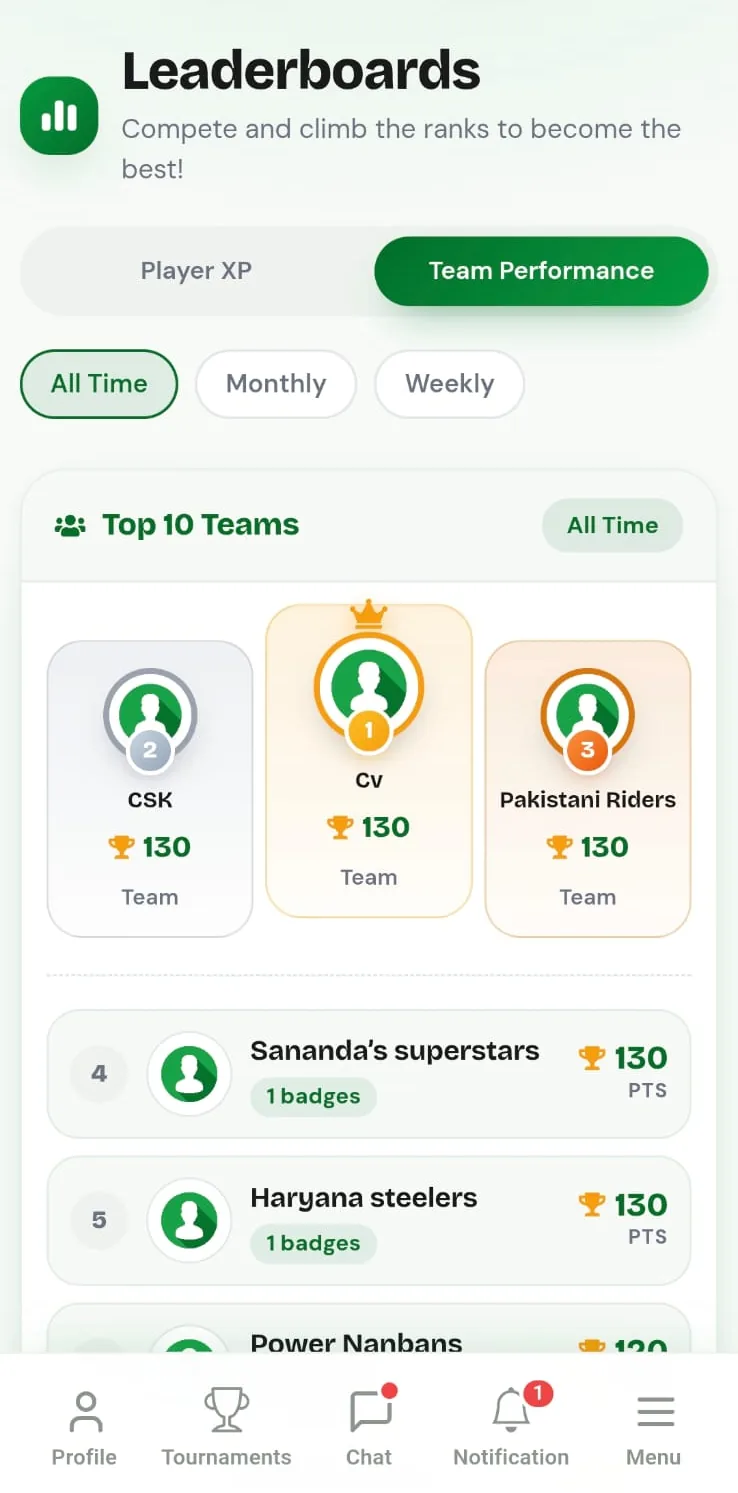
👉 Run your tournament free on CricFight — pick a format, generate fixtures, and let the table update itself.
Step 5: Run the knockouts and crown a winner
Once the group or league stage is done, the qualified teams advance to the knockout rounds. Because the standings are already accurate, seeding the playoffs is straightforward — no recounting, no disputes. Score the semis and final the same way, and the tournament closes with a clean, shareable record of every result.
Why do it on CricFight?
Organising cricket is mostly admin, and admin is exactly what breaks amateur tournaments. CricFight handles the heavy lifting — fixtures, live scoring, automated points tables and net run rate — for free, with a public live view every captain can follow. And because it's a full cricket community platform, the same app that runs your tournament also helps players connect, teams challenge each other, and everyone climb the leaderboards long after the final. See the full tournament management feature set.
Frequently asked questions
How do I organise a cricket tournament?
To organise a cricket tournament: decide the format (knockout, league, or group plus playoffs), confirm your teams, generate the fixtures, agree the rules and overs, score every match live, and keep the points table and net run rate updated. On CricFight you can do all of this free — the app generates fixtures and updates the standings automatically.
Is there a free app to manage a cricket tournament?
Yes. CricFight offers free tournament management: create a tournament, add teams, generate fixtures, score matches live, and get automated points tables and net run rate — with no ads and no cost.
What is the best format for a local cricket tournament?
For 8–16 teams over a weekend or two, a group stage plus knockout playoffs is usually the best balance of fairness and excitement. A single-day, many-team event suits a straight knockout, while a small league of 4–8 teams suits a full round-robin. CricFight supports all of these.
How is the points table and net run rate calculated?
Teams earn points for wins and ties, and ties in the table are broken by net run rate (runs scored per over minus runs conceded per over). CricFight computes points and net run rate automatically from the live scores, so the standings stay correct as results come in.
How many matches are in a round-robin tournament?
A full round-robin with N teams has N × (N − 1) ÷ 2 matches. For example, 6 teams play 15 matches and 8 teams play 28. Knockouts need far fewer games but eliminate teams faster.