
The tips that make a cricket tournament succeed are simple: choose a format that fits your number of teams and days, schedule every fixture with a date, time, and venue up front, keep scoring fair and consistent, use an automated points table and net run rate, and communicate clearly with teams throughout. Nail those, and the tournament runs itself. Most local tournaments don't fail on the cricket — they fail on the admin. Here are the tips that keep yours from becoming a spreadsheet nightmare.
1. Pick the right format first
Everything else follows from the format. Round-robin is fairest but needs the most matches; knockout is fast but one bad day ends your tournament; group-plus-playoffs is the popular middle ground. Match the format to how many teams you have and how many days you can run. Our guide to cricket tournament formats walks through how to choose.
2. Schedule fixtures and venues up front
The single biggest cause of tournament chaos is fixtures decided on the day. Generate the full schedule before you start — every match with a date, time, and venue — and share it with all teams. When teams know exactly when and where they play, no-shows and confusion drop sharply.
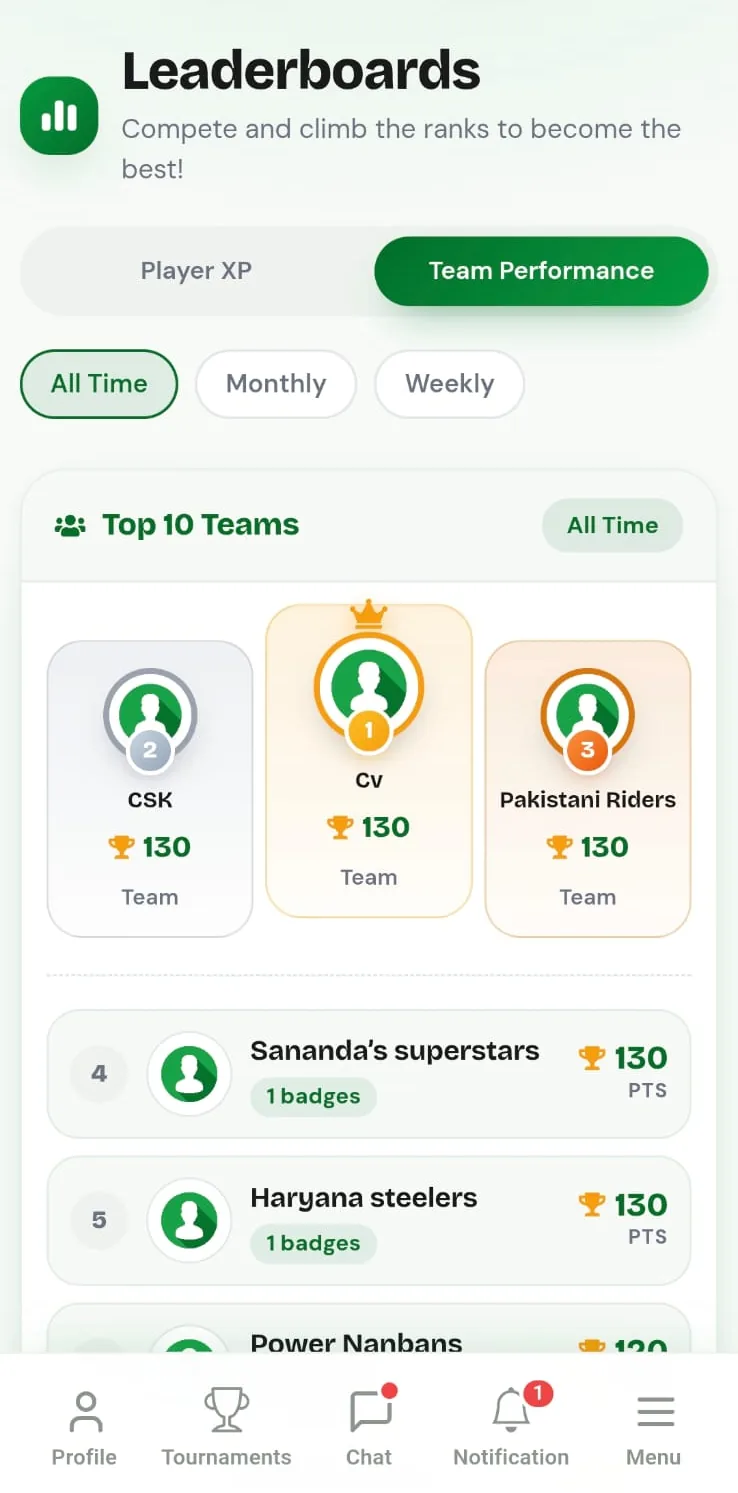
Let the points table run itself. On CricFight you generate fixtures automatically, and as matches are scored live, the points table and net run rate update on their own — no manual maths, no arguments over standings.
3. Keep scoring fair and consistent
Nothing sours a tournament faster than a disputed result. Use the same scoring rules and the same tool across every match, so a wide is a wide and a no-ball is a no-ball in every game. Ball-by-ball live scoring on a phone also gives every team a transparent, shareable scorecard, which kills most disputes before they start. If you're unsure on the rules, keep our cricket scoring rules explained guide handy for the scorers.
4. Automate the points table and net run rate
Calculating net run rate by hand across a dozen matches is where tournaments quietly fall apart. Let the software do it. When standings update automatically from live scores, teams always know where they stand, and you never spend a night rebuilding a spreadsheet because one match was entered wrong.
5. Communicate early and often
Teams drop out of tournaments they feel disconnected from. Share the schedule, post results promptly, and keep a channel open for questions. Keeping everyone informed is half the job of a good organiser — and it's far easier when the fixtures, scores, and standings all live in one place teams can check themselves.
6. Give the tournament a memory
The tournaments people come back to are the ones that felt real: shareable scorecards, player stats, a winners' moment. Tracking player statistics and keeping a permanent record turns a one-off cup into something teams want to defend next season.
The organiser's quick checklist
| Step | Why it matters |
|---|---|
| Choose a format | Fits your teams and available days |
| Generate fixtures with dates & venues | Prevents day-of confusion and no-shows |
| Standardise scoring | Consistent, dispute-free results |
| Automate points table & NRR | Accurate standings with zero manual maths |
| Communicate the schedule & results | Keeps teams engaged to the final |
| Keep stats & scorecards | Makes the tournament worth returning to |
👉 Run your tournament free on CricFight — auto-generated fixtures, live scoring, and an automatic points table and net run rate.
The bottom line
A successful cricket tournament isn't about a big budget — it's about removing friction: the right format, a clear schedule, fair scoring, and standings that keep themselves. Get the admin out of the way and the cricket takes care of the rest. For the full step-by-step, see how to organise a cricket tournament for free and our tournament management features.
Frequently asked questions
What makes a cricket tournament successful?
A successful cricket tournament comes down to a few things: the right format for your number of teams, a clear schedule with fixtures and venues, fair and consistent scoring, an accurate points table and net run rate, and good communication with teams throughout. Getting these right matters more than the size of the prize.
How do I keep a cricket tournament running on time?
Pick a format that fits the days you have, schedule fixtures with set dates, times, and venues up front, and keep buffer time for overruns. Using an app that auto-generates the fixtures and updates the points table live removes most of the admin that causes delays.
How do I make sure the points table is fair?
Use consistent rules for points and tie-breakers, and let net run rate be calculated automatically rather than by hand. On CricFight, live scoring feeds an automated points table and net run rate, so standings update themselves and there's no dispute over the maths.
Do I need to charge an entry fee to run a good tournament?
No. A good tournament is about organisation, not budget. You can run a completely free tournament on CricFight — fixtures, live scoring, points tables, and net run rate are all free — and put any entry money you do collect towards the prize instead of tools.
How can I run a cricket tournament with an automated points table?
Use a tournament app that scores matches live and calculates standings for you. On CricFight you create the tournament, generate fixtures, score each match ball by ball, and the points table and net run rate update automatically as results come in.